How to Do Proper Visual QA
The biggest pain point for developers in 2026 is still the QA process, with industry data highlighting concerning numbers: between 15 and 25% of the development budget for standard projects goes into QA. Those costs can rise up to 40% for compliance-heavy sectors.
When it comes to raw numbers, manual QA produces between $15K and $30K in hidden costs yearly per developer. And this is without accounting for the stress resulting from the process itself (the constant back-and-forth with the design team).
Dual Check’s Solution to the QA Problem
Dual Check simplifies the convoluted QA process by eliminating the communications match between designers, developers, and the QA team.
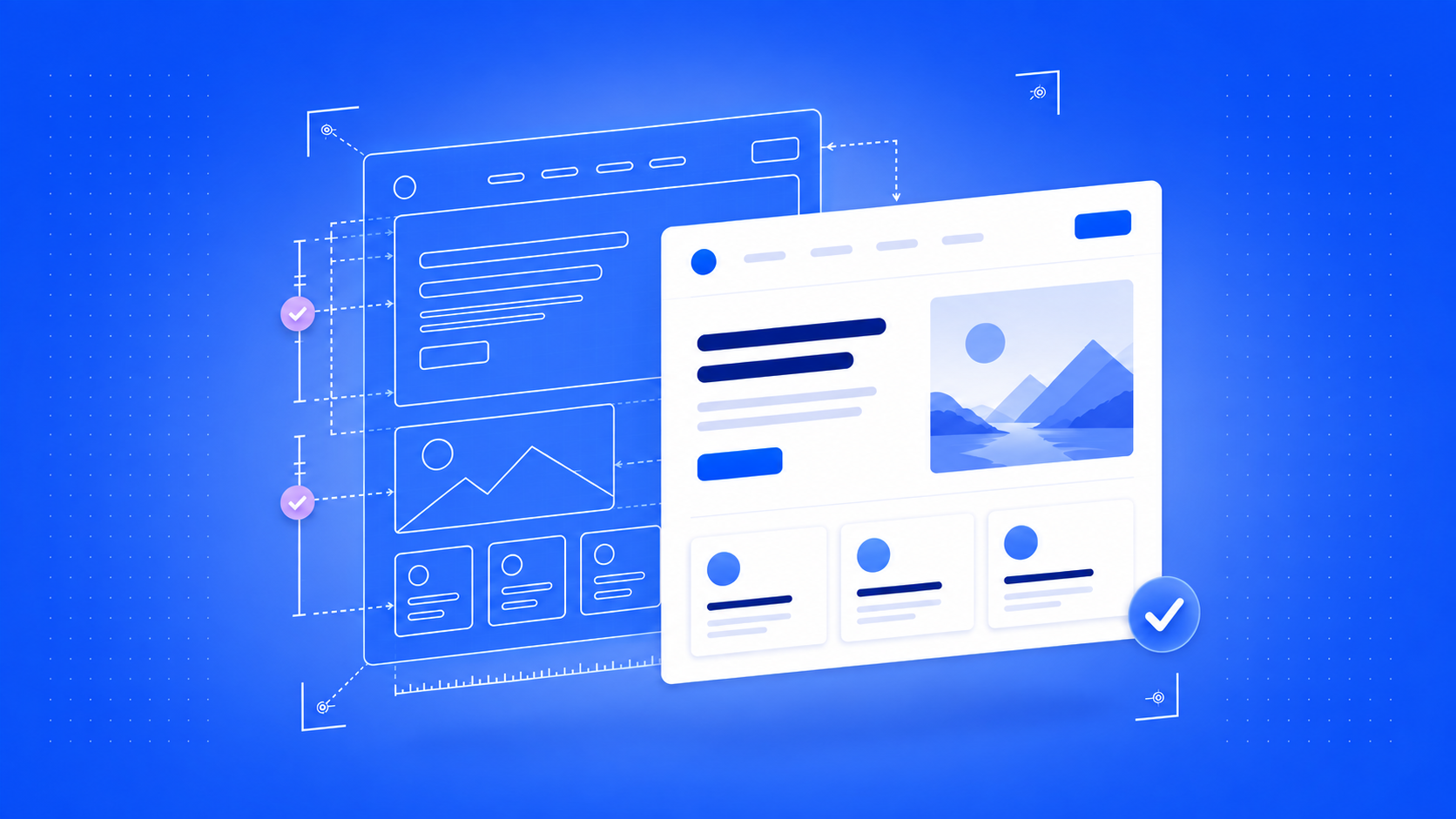
The answer is in the slider-based tool that allows the QA team to overlap the Figma design onto the live website. Moving the slider allows QA to compare the tiniest differences between the 2 designs instantly, without the need for constant alt-tabbing.
This makes the QA process not only faster and more comfortable, but more reliable as well, since the discrepancies between the Figma design and the live product are now easier to detect.
When compared to standard QA, Dual Check’s slider-based blend mode system offers:
- Live side-by-side comparison for immediate flaw detection
- Shorter QA times thanks to no longer having to alt-tab between the windows
- Better feedback due to being able to leave comments directly on the problematic section
- Updateable page status based on how far the QA team is into the process (Draft, Ready for Review, Needs Changes, Approved)
The benefits are predictable and testable: the QA team can diagnose and correct the problems faster, which allows the developers to do their jobs better and with less headaches.
What Dual Check Can Do For Your Business
Dual Check’s slider-based QA system can do two things for your business better than standard QA: help you produce better and faster products and save money in the process.
The biggest problem with manual QA is that it leaves room for interpretation. The side-by-side comparison is better than alt-tabbing, but it still lacks that visual punch that a slider can deliver. Dual Check’s slider comparison highlights any mismatch of text, coloring, spacing, or any other graphic element right there, in one window.
Most importantly, it saves money by saving you time. It’s normal for QA teams to engage in dozen-messages-long discussions about missed corrections or bad design implementations. Many of these important messages will be inevitably lost along the way, forcing technicians to go back-and-forth to solve the problems.
All this wasted time translates into silent costs that could range into the thousands of dollars by the end of fiscal year.
Dual Check solves these issues thanks to its intuitive and easy-to-use QA tool that you can try yourself for free on our official page.