Compare Figma to Live Websites in Minutes
Instantly compare Figma designs with live pages, catch inconsistencies early, and save hours on manual QA.
.avif)
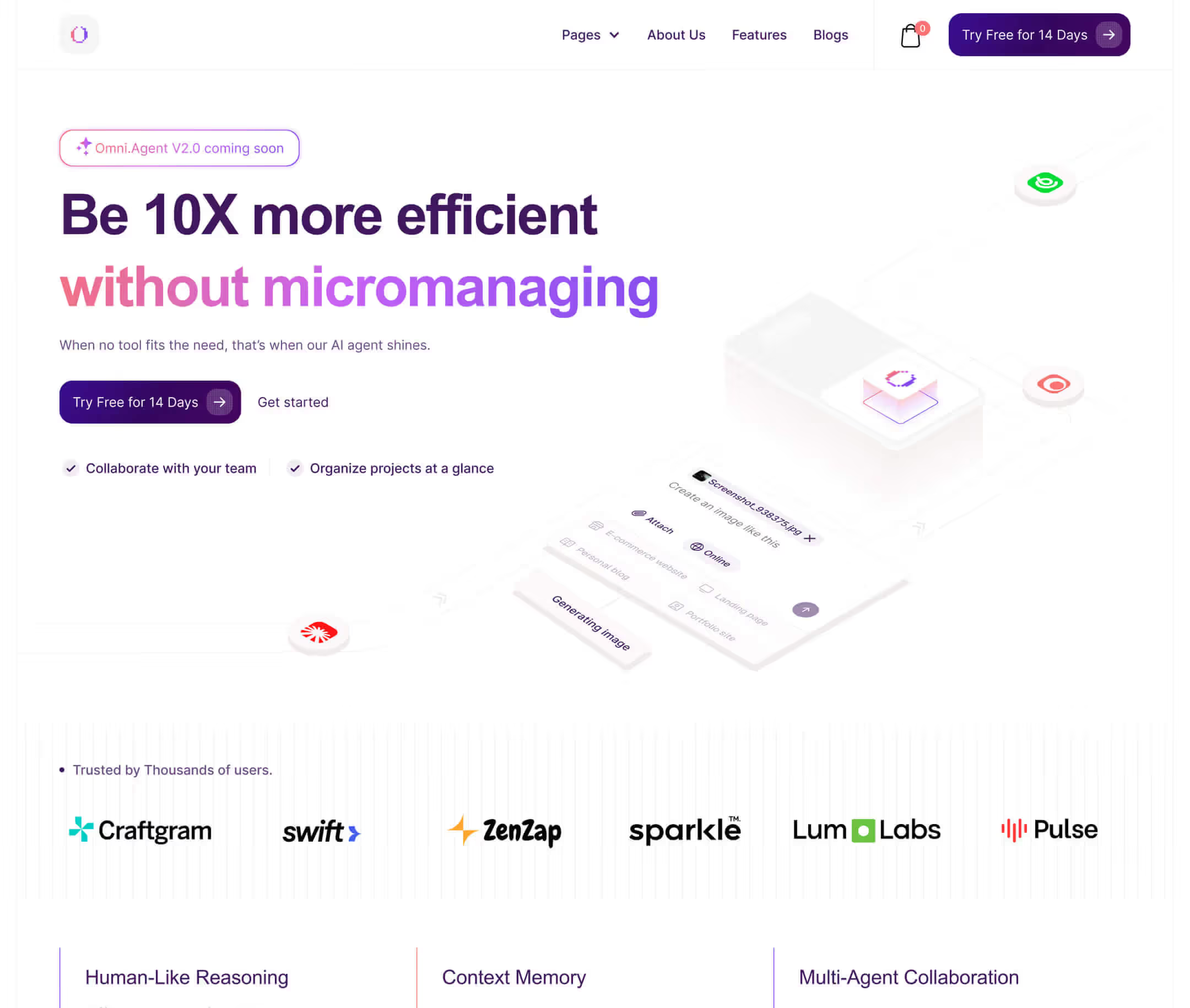
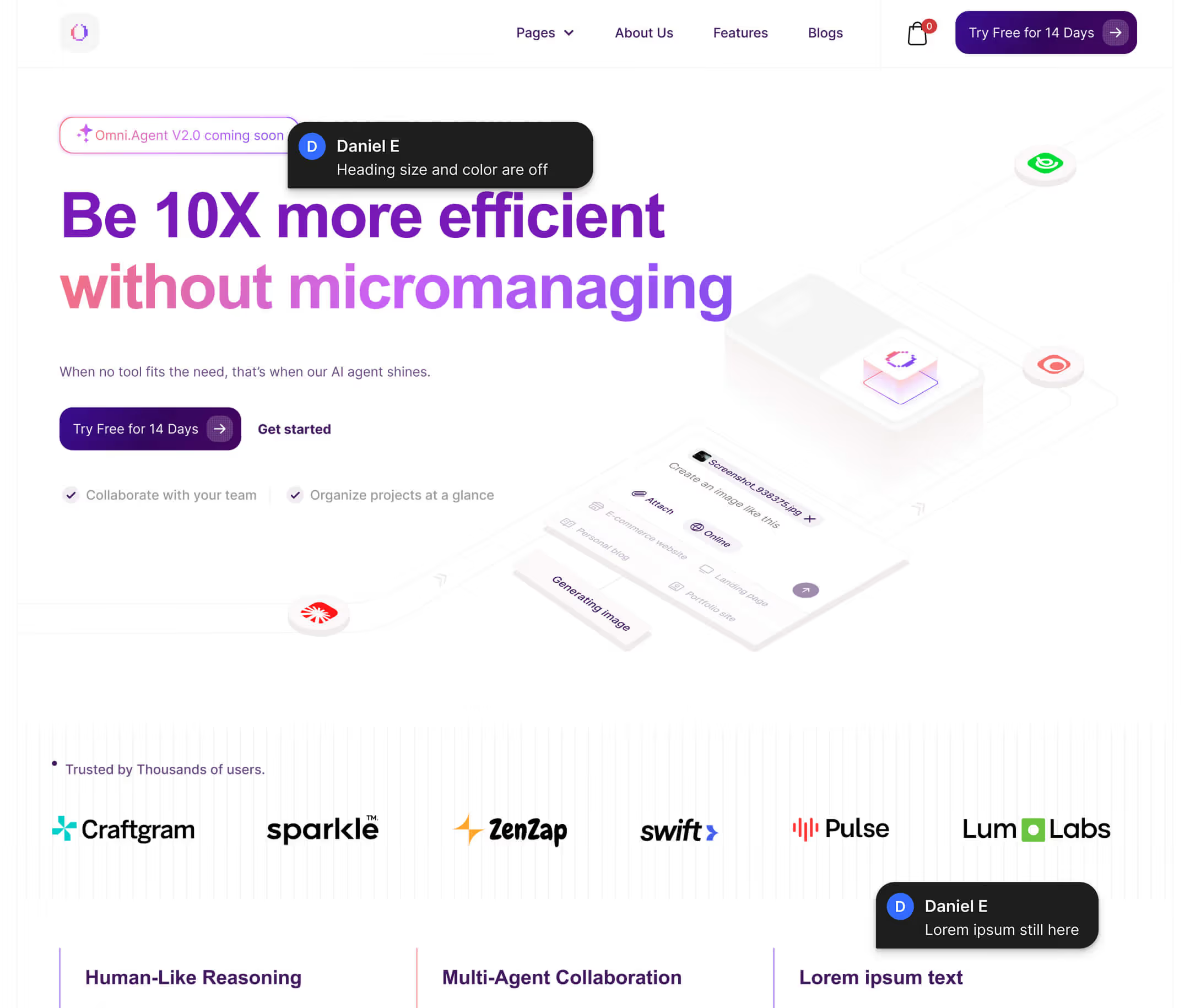

Spot differences between Figma and live pages
Visual comparison slider
Slide between Figma and the live site to instantly spot layout, spacing, and visual differences.
Align with precision
Move the Figma design up or down to match the exact section of the live page for precise comparison.
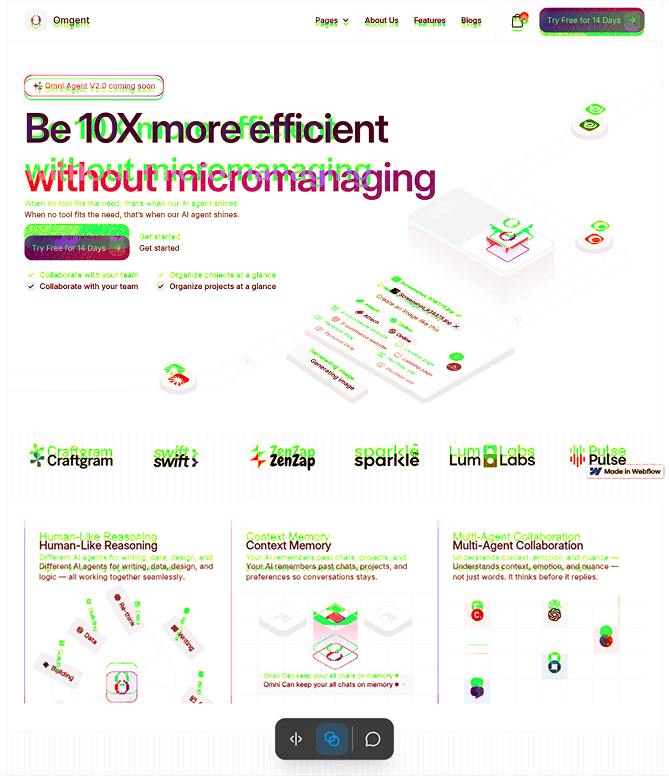
Blend mode comparison
Overlay the Figma design on top of the live site using blend mode to make every mismatch immediately visible.


Keep your QA process aligned
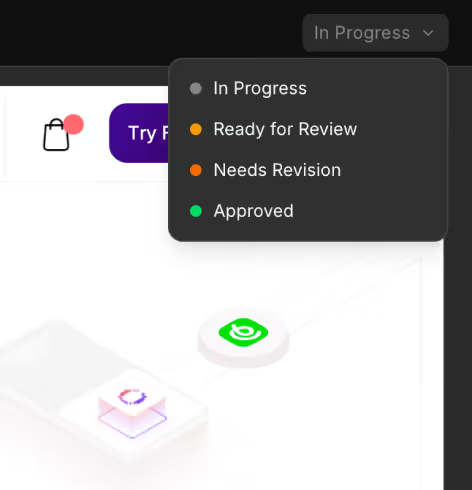
Page status
Set and update the status of each page to track review progress.
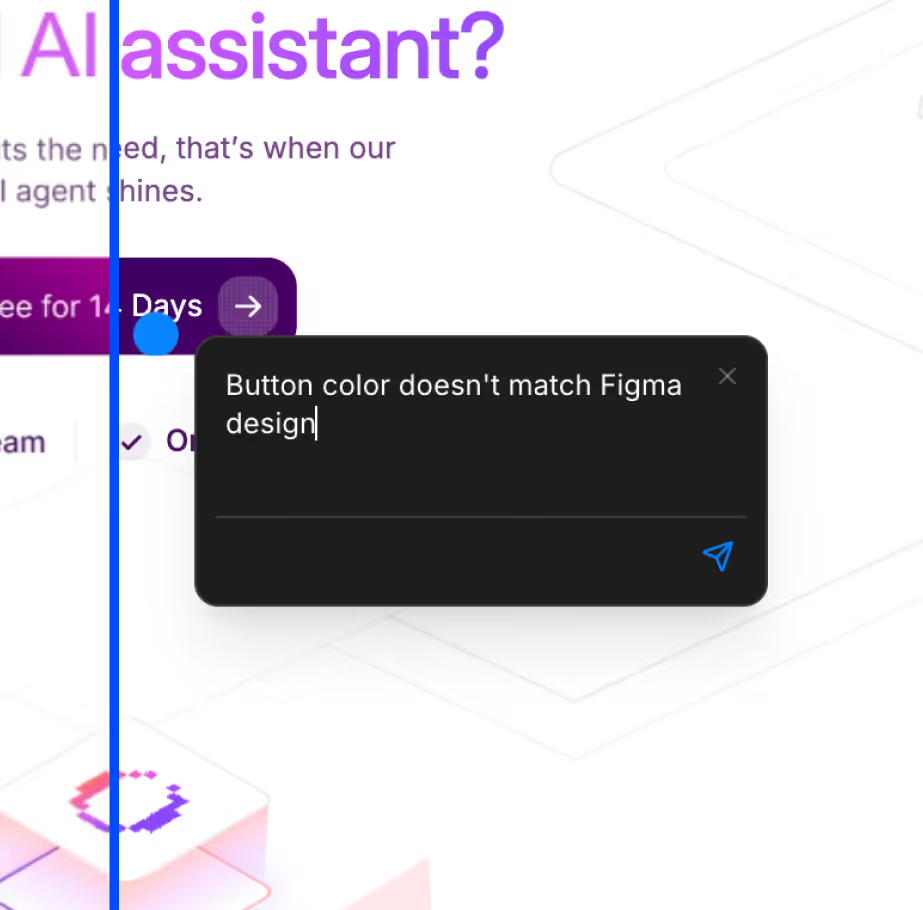
Commenting
Leave comments directly on pages to highlight issues, share feedback, and keep QA discussions tied to the exact section being reviewed.
Project board
View all projects in one place and track progress across pages, with review status visible at a glance.
.png)


"QA feels much more organized now. Going through DualCheck comments is super clear, and even devs can easily jump in, review, and confirm issues themselves."
How DualCheck helps





QA that developers actually enjoy
Add your Figma designs and live website link to start a QA session in seconds.
Review both side-by-side and quickly catch spacing, content, and alignment mismatches.
Leave feedback, update page statuses, and keep QA organized from review to launch.